Every day
Read every chat
See every conversation your AI has had, not only the leads.
2 min read
Step by step
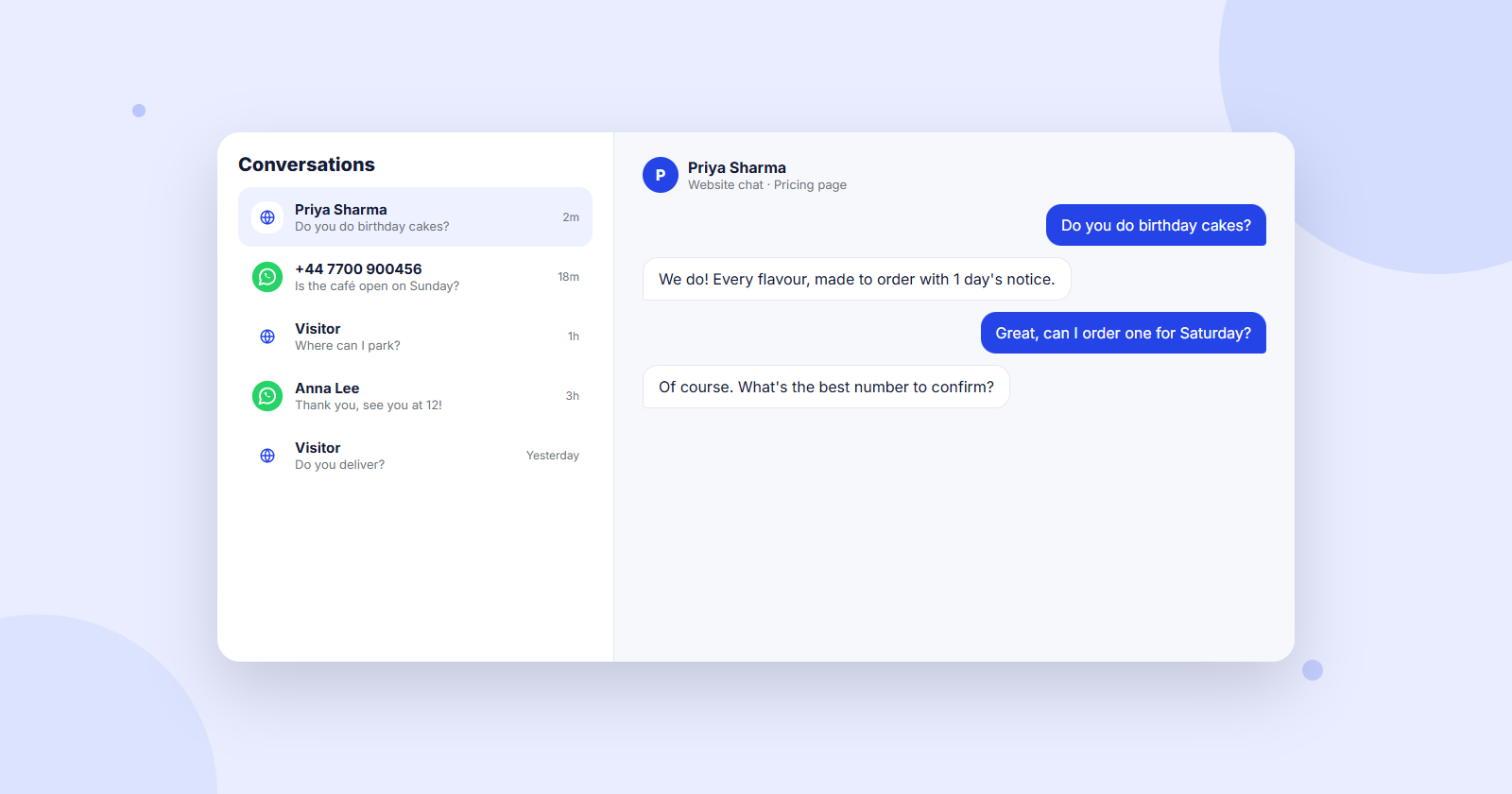
- 1Click Conversations in the left menu. You see every chat, newest first, with a label: Website chat or WhatsApp, and Became a lead when they left details.
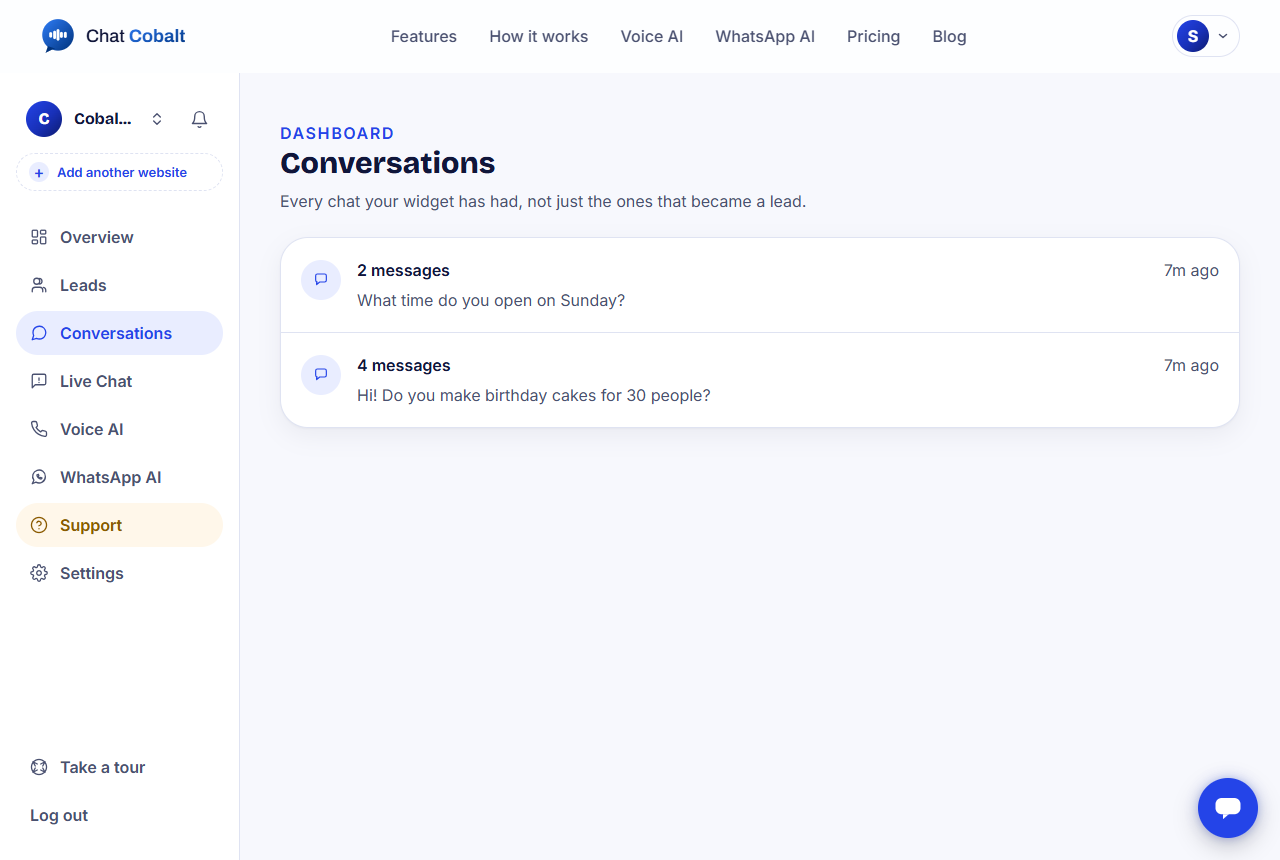
- 2Use the search box to find a name, a number or a word from their first question. The buttons All, Website chat, WhatsApp and Became a lead filter the list.
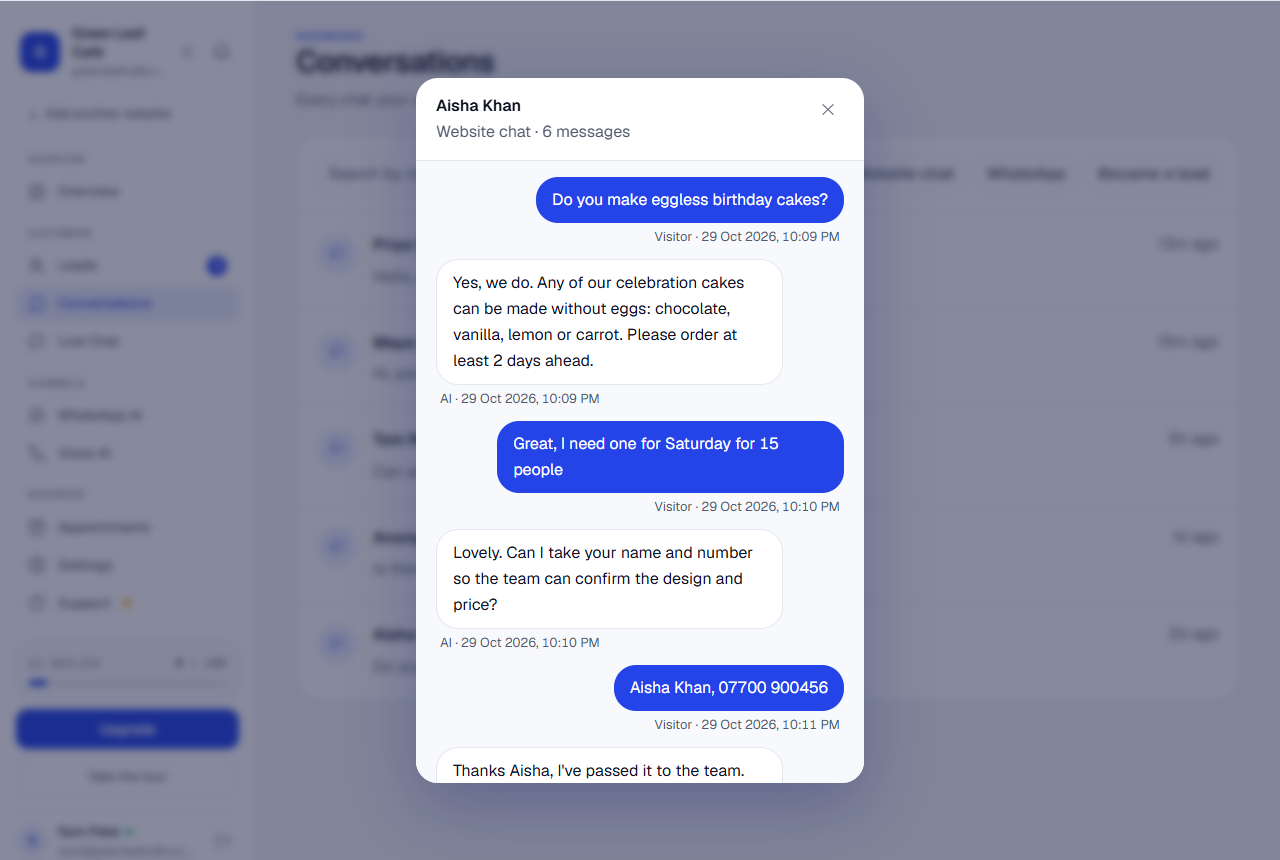
- 3Click a chat to read it from start to finish.
Tip: Reading chats is the best way to learn what customers ask. If your AI got something wrong, fix it in Teach your AI.
Stuck?
Ask the chat bubble in your dashboard, use Support in the left menu, or send us a message. A real person reads every message.
Related guides
Chat Cobalt is a Codebold IT Solutions product.