Every day
Ask us for help
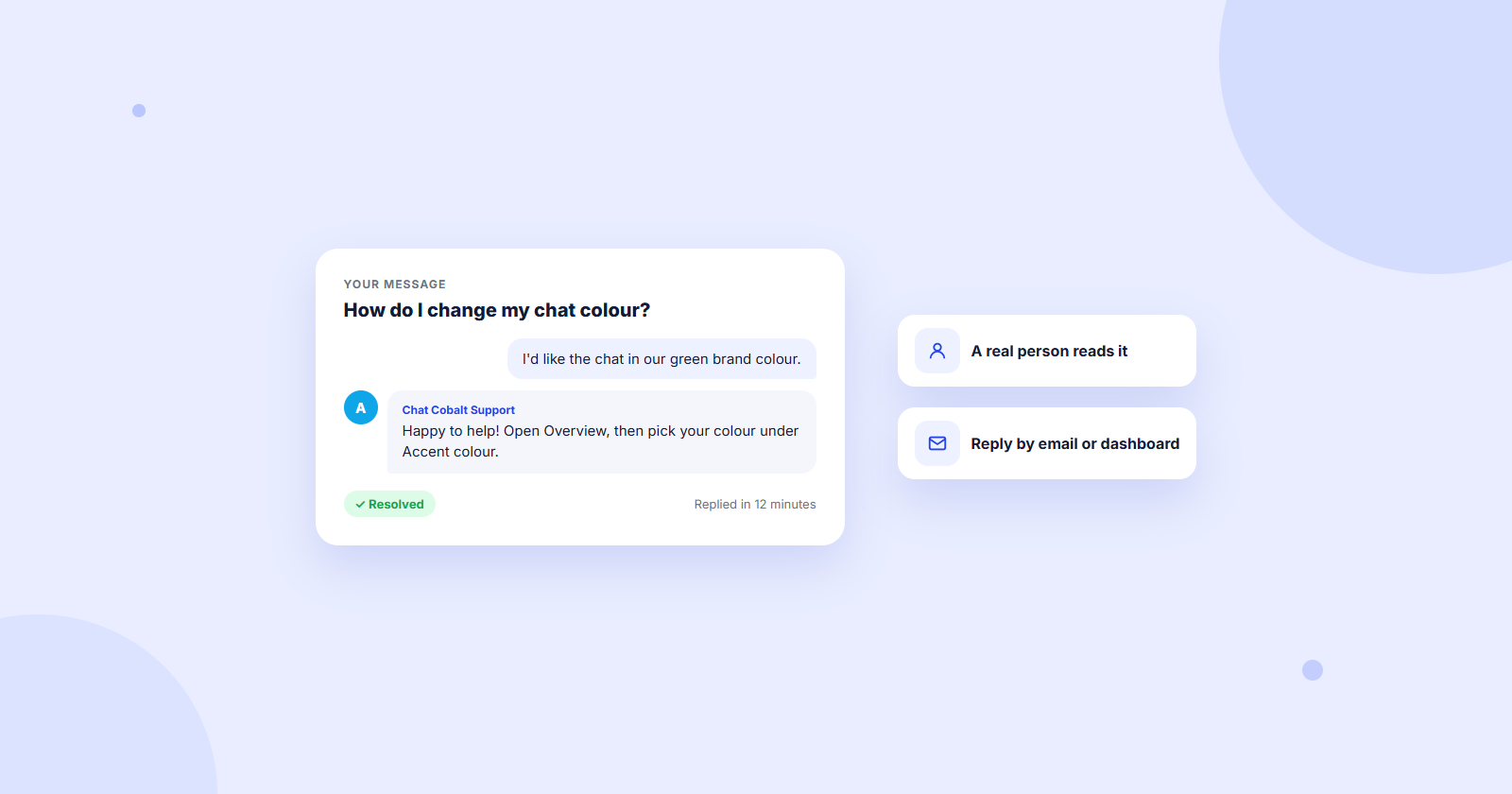
We answer every message, and you can reply right under our answer.
2 min read
Fastest: ask the chat
Click the chat bubble in the bottom corner of your dashboard. It can see your account (your plan, whether your chat is live, your WhatsApp status) and answers straight away.
Send us a message
- 1Click Support in the left menu.
- 2Write what is happening in What's going on?. A screenshot helps a lot: press Attach a screenshot, or paste one into the box.
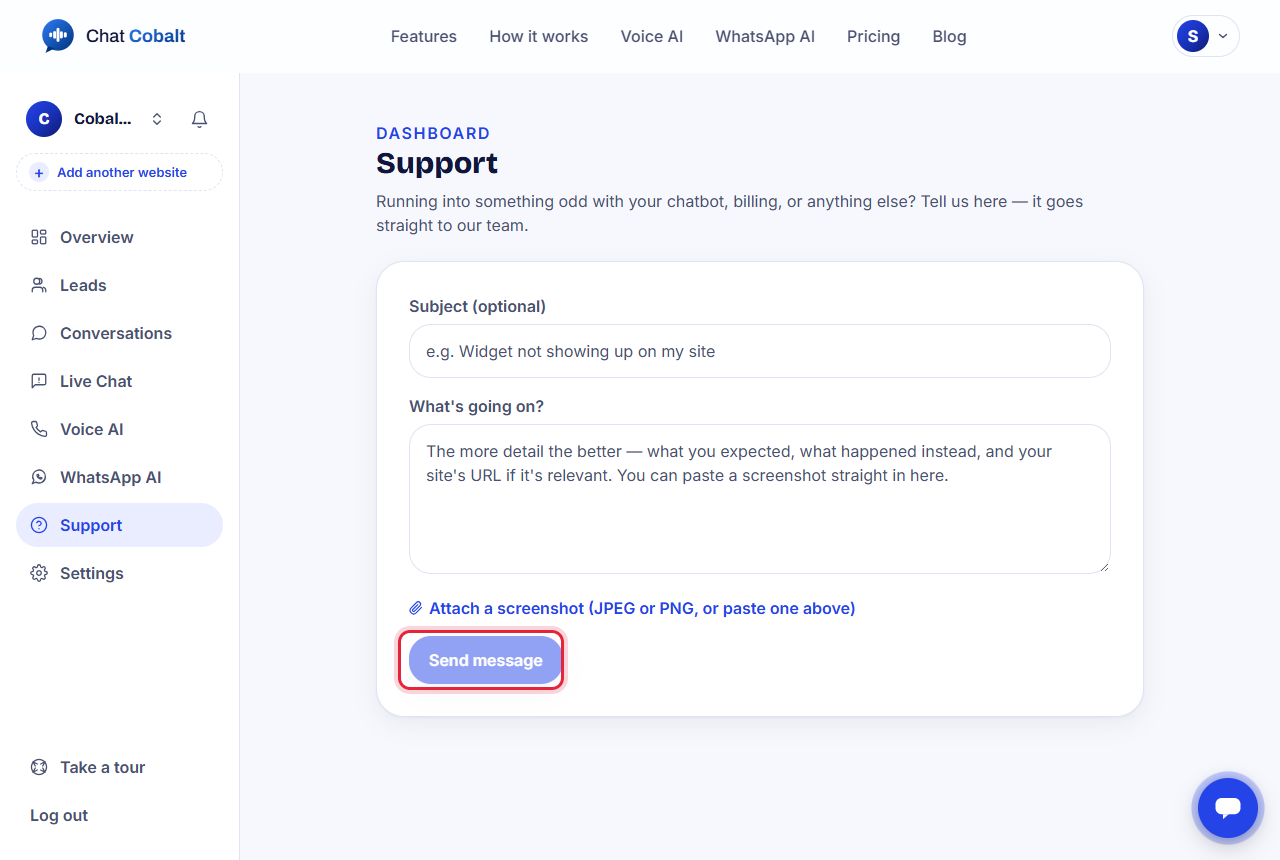
- 3Press Send message. We email you, and our answer also appears under your message on the Support page.
- 4Need to say more? Press Reply under your message.
Tip: You can also send us a message from our website.
Stuck?
Ask the chat bubble in your dashboard, use Support in the left menu, or send us a message. A real person reads every message.
Related guides
Chat Cobalt is a Codebold IT Solutions product.