Getting started
Create your account
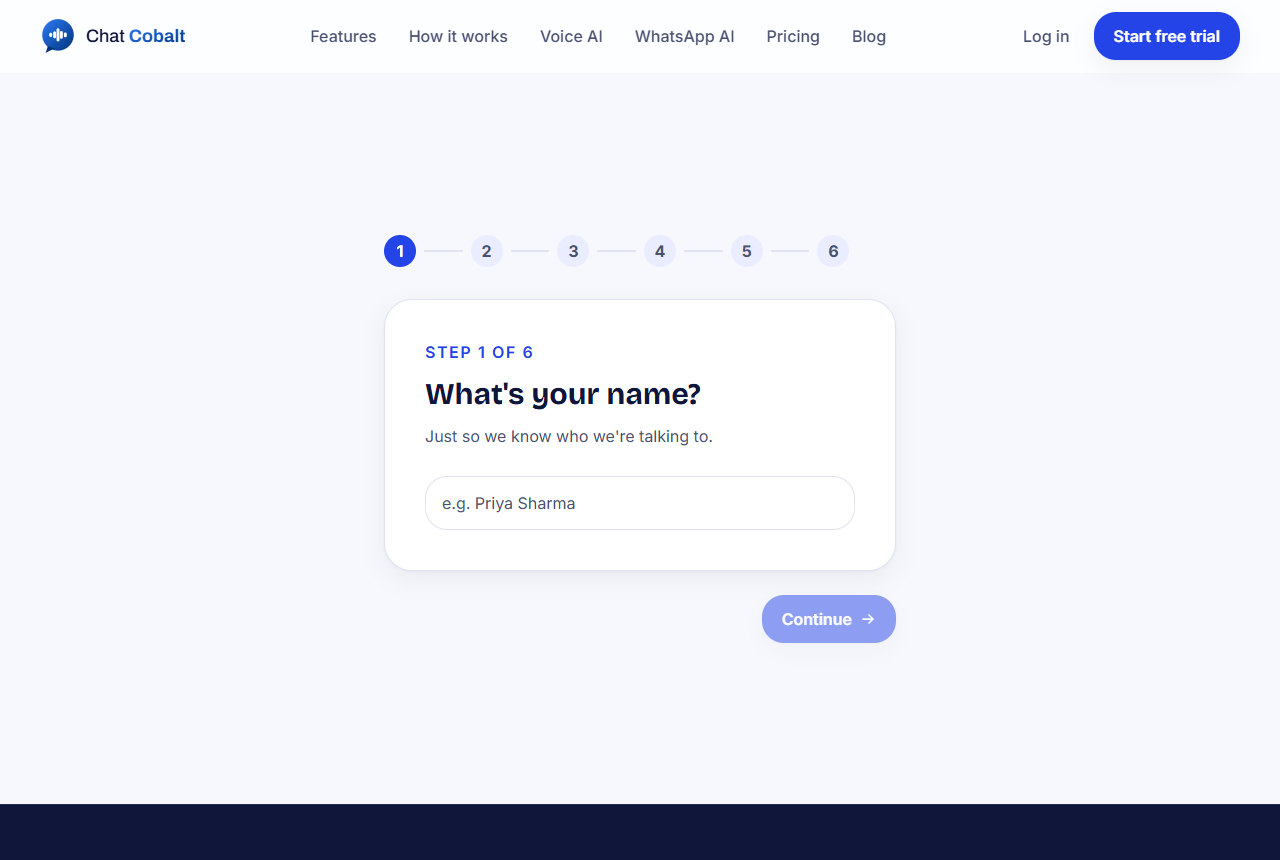
Sign up in five small steps. It takes about two minutes.
2 min read
Step by step
- 1Go to chatcobalt.com/signup.
- 2Type your name and press Continue.
- 3Choose if you are also interested in Voice AI (phone answering). Not sure? Choose chat only; you can add it later.
- 4Type your business name, then your website address (for example mybakery.com). We read your website to teach your AI.
- 5Type your email, choose a password, and add your phone number. Press Start my free trial.
- 6Check your email. We send you a 6-digit code. Type it in.
What happens next
You land on a short page called Tell us more about your business. Every question there is optional, but each answer makes your AI smarter. Press Continue when you are done, or Skip for now.
Then you see your dashboard. Your dashboard is your control room: everything about your chat lives there.
Tip: No code arrived? Look in your Spam or Promotions folder. Still nothing after 5 minutes? Go back and press the button again.
Stuck?
Ask the chat bubble in your dashboard, use Support in the left menu, or email support@chatcobalt.com. A real person reads every message.
Related guides
Chat Cobalt is a Codebold IT Solutions product.