WhatsApp, phone and app
Voice AI: answer phone calls
Your AI picks up the phone and talks to callers, like a receptionist.
3 min read
Try it first (free)
- 1Click Voice AI in the left menu, then Try the live demo.
- 2Press Tap to start a test call and talk to it in your browser. It already knows your business.
Turn it on
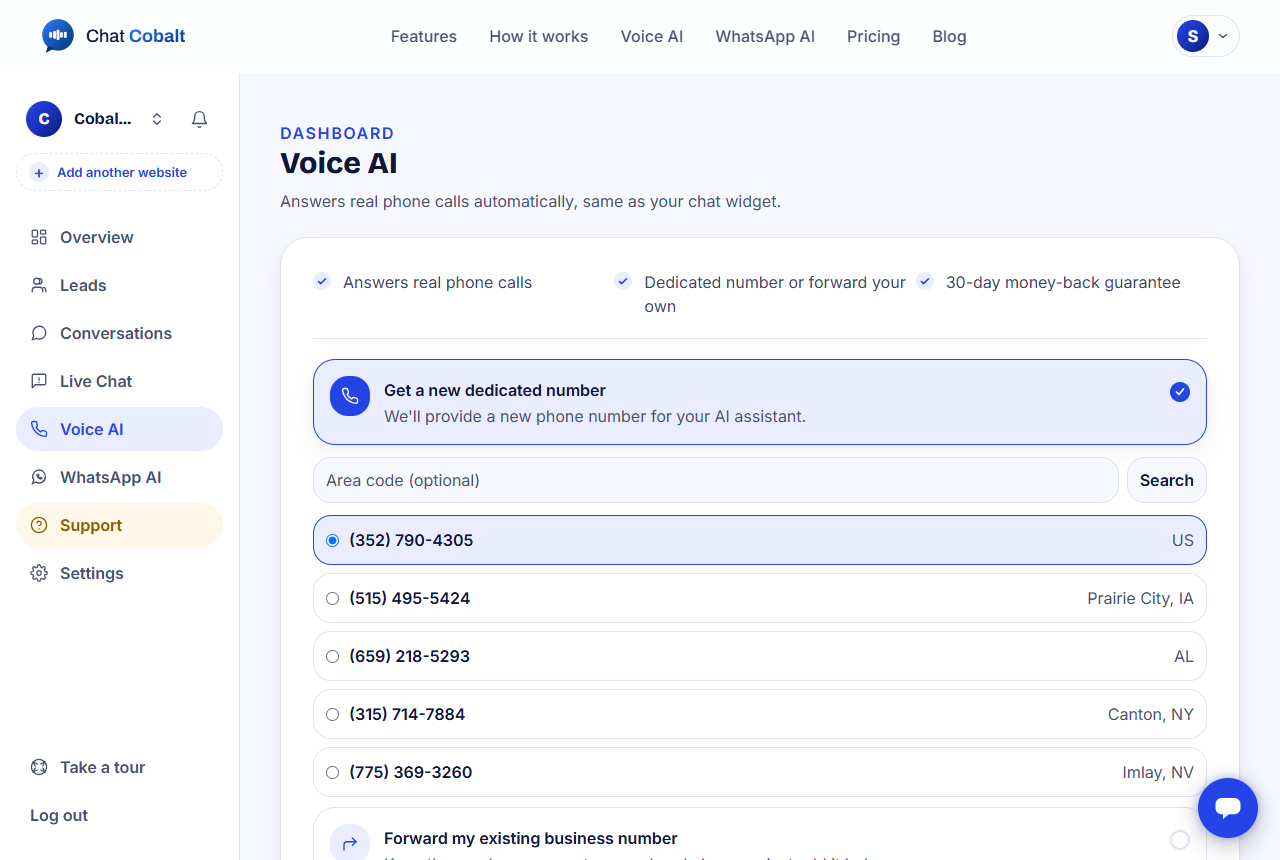
- 1On the Voice AI page, choose one:
- 2Get a new dedicated number: pick a new phone number from the list.
- 3Forward my existing business number: keep the number your customers already know.
- 4Choose Monthly or Yearly, and press Get Voice AI.
Tip: Voice AI is included in the Chat + Voice plan. Every call is saved, and callers who leave details become leads. See pricing.
Stuck?
Ask the chat bubble in your dashboard, use Support in the left menu, or email support@chatcobalt.com. A real person reads every message.
Related guides
Chat Cobalt is a Codebold IT Solutions product.