WhatsApp, phone and app
Let us connect WhatsApp for you
Don't want to do it yourself? Answer a few questions and we do it with you.
2 min read
Step by step
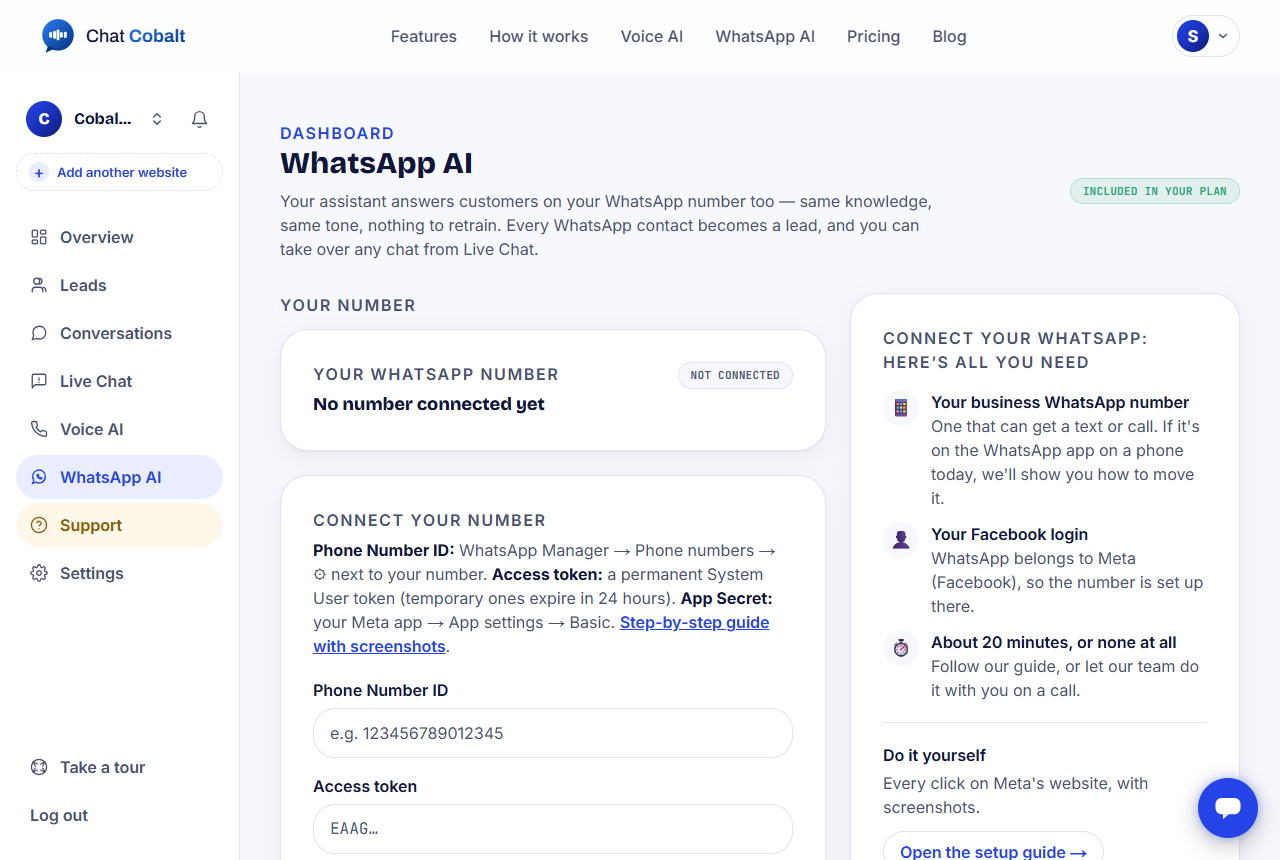
- 1Click WhatsApp AI in the left menu.
- 2In the box on the right, press Set it up for me.
- 3Type the WhatsApp number you want to connect, and the name customers should see.
- 4Answer two Yes / No questions.
- 5Choose how we should help you: AnyDesk, Zoom / Google Meet screen share, or Phone call only.
- 6Type a phone number we can call you on, and press Send request.
What happens next
We contact you within 1 business day and do it together. You stay at your screen the whole time.
Keep your phone nearby: Meta (the company behind WhatsApp) sends one code to it.
We never ask for your Facebook password, bank details, card numbers or payment codes.
Stuck?
Ask the chat bubble in your dashboard, use Support in the left menu, or email support@chatcobalt.com. A real person reads every message.
Related guides
Chat Cobalt is a Codebold IT Solutions product.